 CourseGlade
 Orders & refunds
Manage orders, statuses, order notes, and record refunds.
Every purchase creates an order under CourseGlade → Orders, whichever gateway processed it.
The orders list
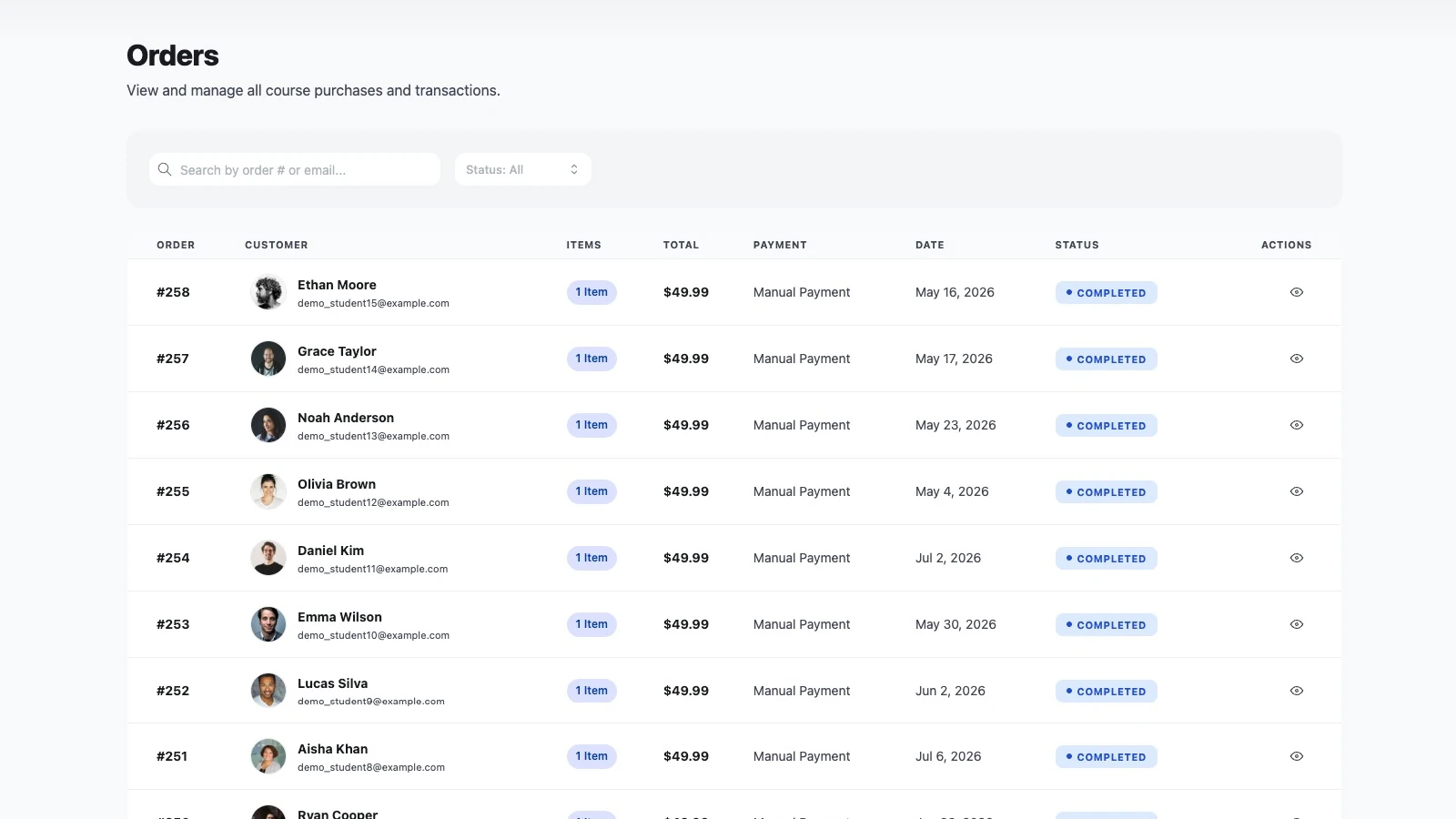
Columns are Order, Customer, Items, Total, Payment, Date, Status, and a view action. Search by order number or email, and filter by status.
Order statuses
- Completed — payment received; the student is enrolled
- On hold — awaiting payment (typical for manual/offline)
- Processing — payment in progress
- Pending — created, not yet paid
- Cancelled — cancelled before completion
- Refunded — payment returned
- Failed — payment failed
Each status change sends the matching student email; a new order also emails the admin.
Completing and cancelling
On the order detail, the payment card has a completion button whose label matches the state — Confirm Payment (on hold), Mark as paid (pending), or Complete Order. Pending, processing, and on-hold orders can also be cancelled.
Refunds
Click Refund, add a Reason, and optionally tick Remove the student from enrollment.
Refunds are record-only. CourseGlade marks the order Refunded and sends the refund email, but it does not move money — process the actual refund in your payment gateway (e.g. the Stripe dashboard).
Order activities & notes
Each order has an Order Activities timeline of system events (order placed, status changes) plus a place to Add a comment — admin-only internal notes.