 CourseGlade
 Advanced Reports addon
Revenue, course, student, instructor, and bundle reports with date filters and CSV export.
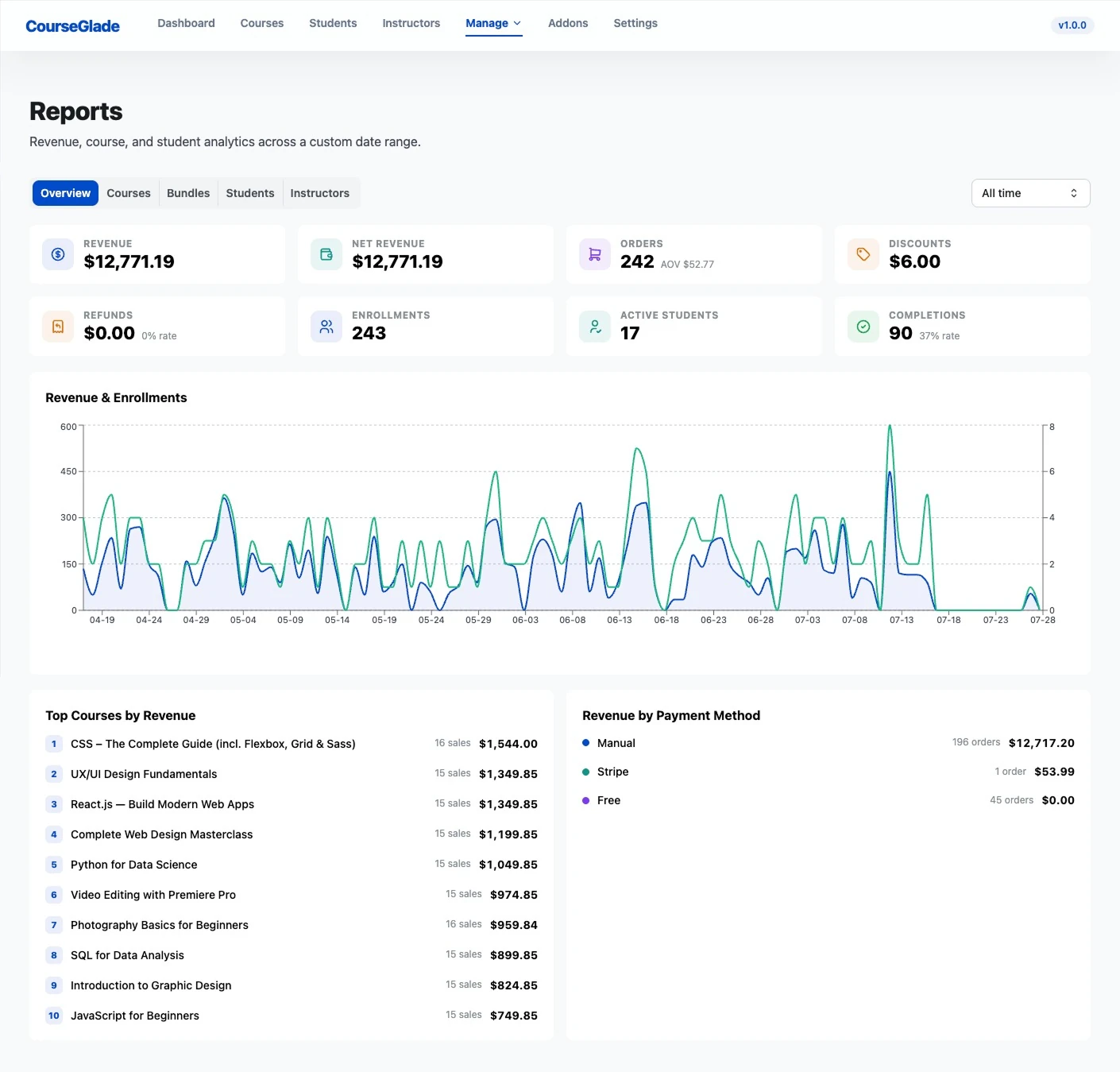
The Advanced Reports addon (Pro) adds a reporting suite at CourseGlade → Reports (“Revenue, course, and student analytics across a custom date range”).
Report tabs
- Overview — the revenue and analytics dashboard
- Courses — performance per course (with category and search filters)
- Bundles — bundle performance (shown when the Course Bundles addon is active)
- Students — activity and enrollment per student (with a course filter)
- Instructors — sales and earnings per instructor
Click into any row to drill down.
Filters
Every report takes a date range: All time (default), Today, 7 / 30 / 90 / 365 days, or a Custom range.
Export
There’s a single Export CSV button that downloads the current view (columns mirror the on-screen table, up to 5,000 rows).
CSV only — there is no PDF export. If you need a PDF, export the CSV and print or convert it in your spreadsheet tool.
Who sees what
Admins (and anyone with the reports capability) see all data; instructors are scoped to their own courses. Instructors also get their teaching, earnings, and withdrawal figures surfaced on their own student dashboard, not just the admin reports screens.
Good for
Owners, finance, and stakeholders who need revenue and performance data beyond the at-a-glance dashboard.